
Sort findings by urgency
A long inspection report can feel overwhelming. Start by sorting issues into safety, active damage, maintenance, monitoring, and future planning.
Safety
Active damage
Maintenance
Monitor
Quick answer
After closing, turn the inspection report into a practical action list. Separate urgent safety items, monitor items, maintenance tasks, future repairs, photos, contractor quotes, and completed work. Do not let the report become a forgotten PDF.
Intent
conversion
Records
saved
Next step
clear
The best home system is one you can keep using after the first week.
Save the inspection report in your home documents
Separate safety items from maintenance items
Create repair records for completed work
Create reminders for monitor items
Photograph areas mentioned in the report
Track contractor quotes tied to report findings
Update the record when repairs are completed
A long inspection report can feel overwhelming. Start by sorting issues into safety, active damage, maintenance, monitoring, and future planning.
The report is a starting point, not the final home record. Each repair, quote, photo, and completed task should have its own history.
Some findings are not immediate repairs. Reminders help you check them later instead of forgetting they existed.
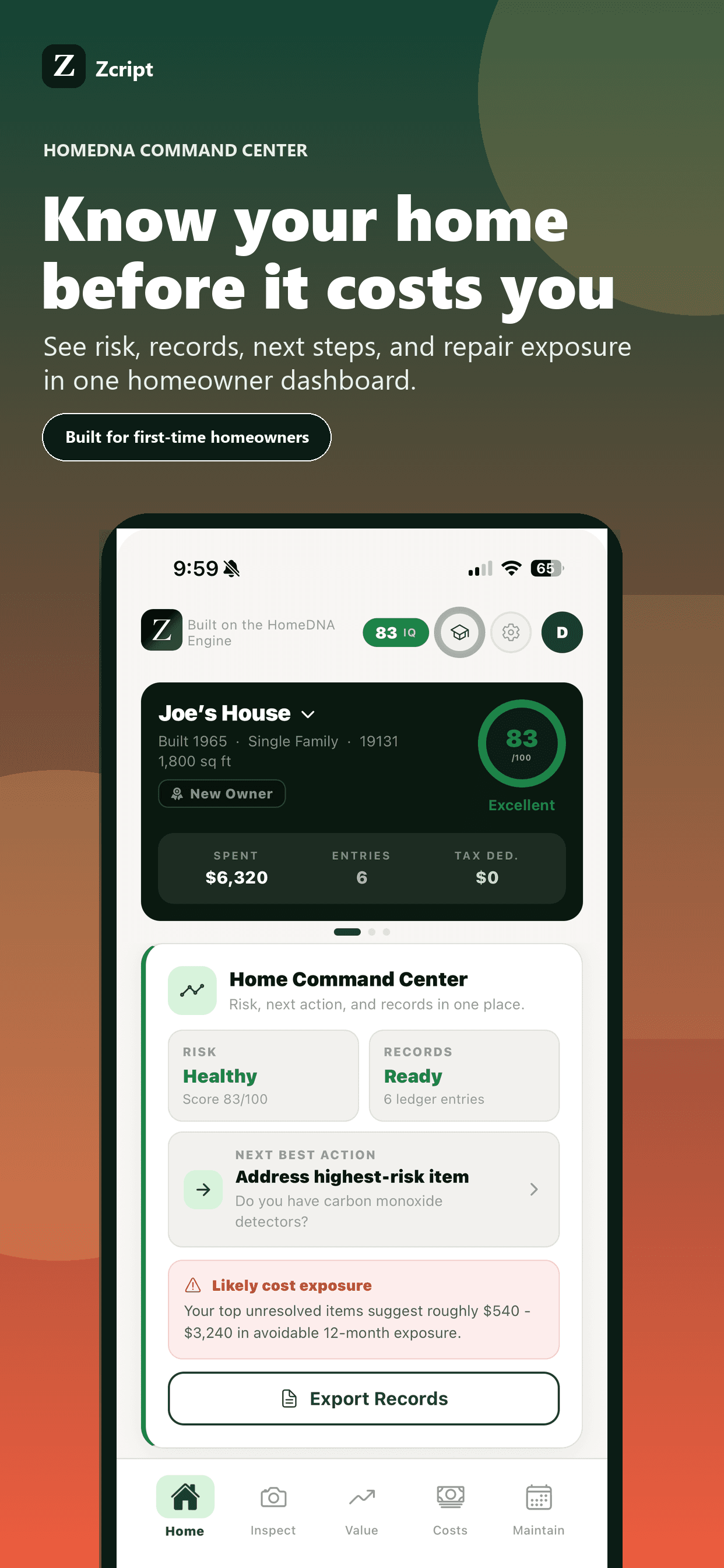
Zcript helps homeowners turn inspection notes into HomeDNA, reminders, repair records, quote checks, documents, and a cleaner first-year plan.
Inspection reports should be interpreted with qualified inspectors, contractors, engineers, or specialists when risk or safety is unclear.
Yes. It can become a useful baseline for maintenance, repair planning, photos, and future contractor conversations.
No. Some items are urgent, some are maintenance, and some should be monitored. Prioritize safety and active damage first.
No. Zcript helps organize and act on information, but it does not replace a licensed home inspection.