
Do not save receipts without context
A receipt photo by itself is easy to forget. The value comes from connecting the receipt to the room, system, vendor, problem, and result.
Room
System
Vendor
Result
Quick answer
Organize home repair receipts by saving each expense with the date, category, amount, contractor, project notes, photos, warranty details, and whether it may be tax-relevant. Keep the receipt connected to the repair instead of storing it as a loose photo.
Intent
conversion
Records
saved
Next step
clear
The best home system is one you can keep using after the first week.
Date paid or completed
Repair category
Amount
Contractor or store
What was repaired
Before and after photos
Warranty length
Tax or insurance note
Receipt, invoice, or quote image
A receipt photo by itself is easy to forget. The value comes from connecting the receipt to the room, system, vendor, problem, and result.
A furnace repair, HVAC filter purchase, roof patch, and renovation invoice may all matter differently. Categories make your home history easier to read later.
If something fails, you do not want to search texts, email, photos, and drawers. The receipt and warranty note should live together.
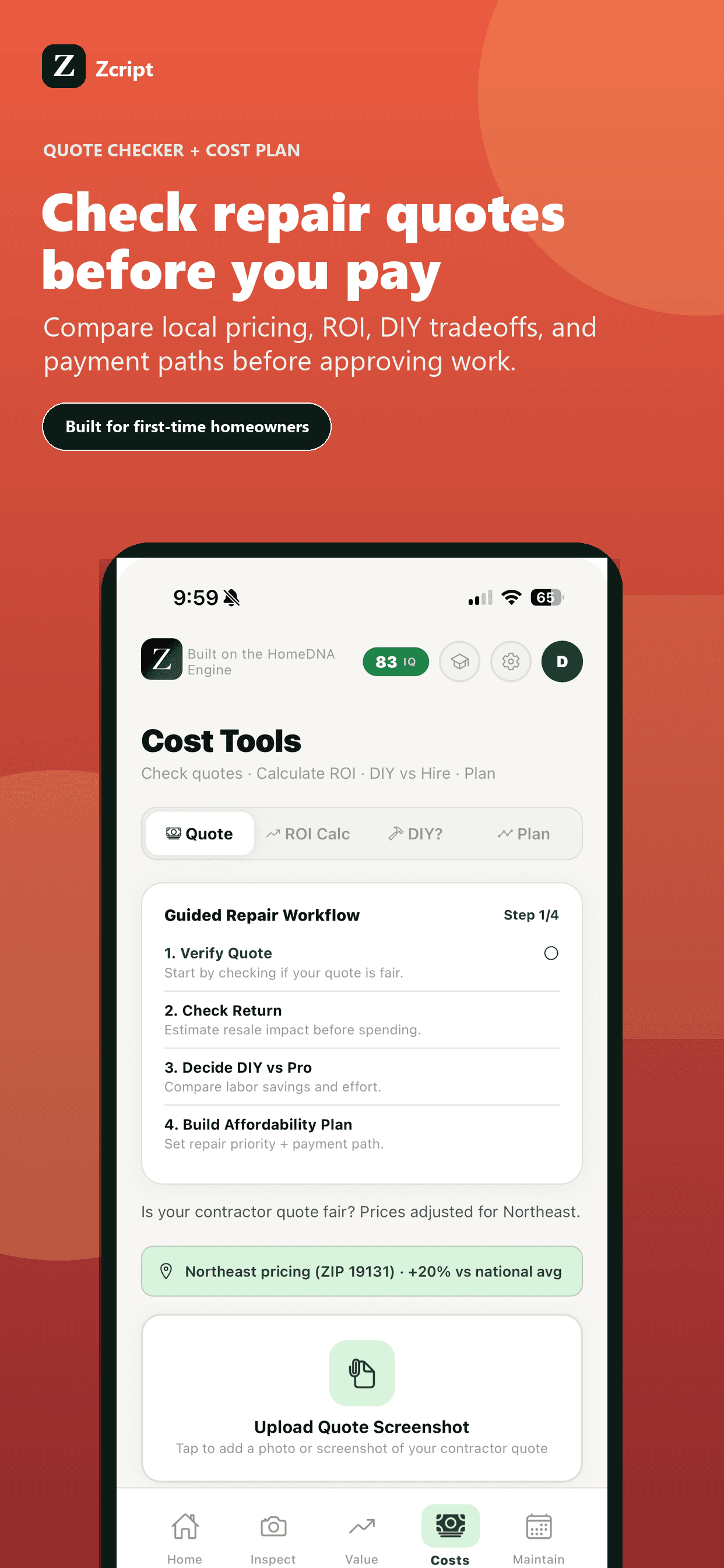
Zcript gives homeowners a repair ledger designed for costs, photos, contractor notes, warranties, tax flags, and export-ready records.
Tax treatment depends on your property use and situation. Zcript can help organize records, but a tax professional should answer tax-specific questions.
Many homeowners keep repair and improvement records for as long as they own the home, especially for warranties, insurance, resale, taxes, and rental records.
Photos help, but they are stronger when tied to dates, invoices, contractor names, scope, and warranty details.
Both are useful. A good record lets you scan by date, category, system, room, cost, and vendor.