
Capture the repair while it is fresh
Save the date, category, cost, contractor, notes, warranty, photos, and receipt as soon as the work happens.
Cost
Date
Contractor
Warranty
The easiest repair record is the one you start before things get messy. Zcript gives homeowners a simple ledger for costs, contractors, notes, photos, warranties, and proof.
HomeDNA
profile
Ledger
records
AI
guidance
Save the date, category, cost, contractor, notes, warranty, photos, and receipt as soon as the work happens.
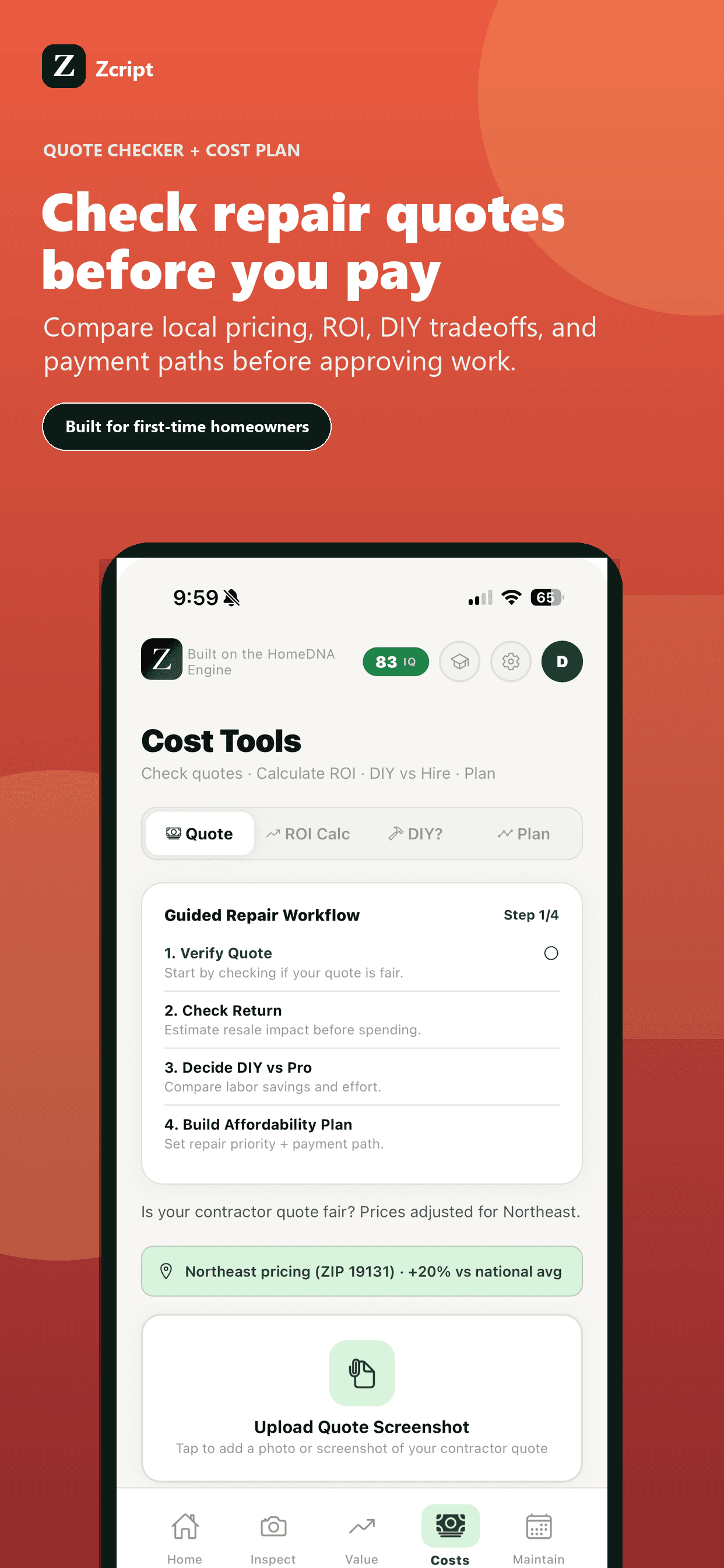
A quote is easier to evaluate before you approve it. Zcript helps you compare the request, scope, and rough cost signals.
When you need to discuss repairs, taxes, insurance, resale, or warranties, a clean history saves time.
Use this list to start clean, then keep the actual records inside Zcript.
Create one repair entry per project or service call.
Add photos before and after work when possible.
Record warranty length and contractor name.
Flag tax-relevant expenses when appropriate.
Save the quote before approval and the receipt after payment.
Review the ledger monthly so small notes do not disappear.
At minimum: date, cost, contractor, category, what was done, receipt, warranty, and any before/after photos.
Yes. Zcript includes quote checking and repair planning tools, plus a ledger to save the final decision.
No. Zcript helps you organize tax-relevant records, but you should ask a tax professional for tax advice.
Download Zcript and give your home a practical command center for records, repairs, maintenance, quotes, and smarter decisions.